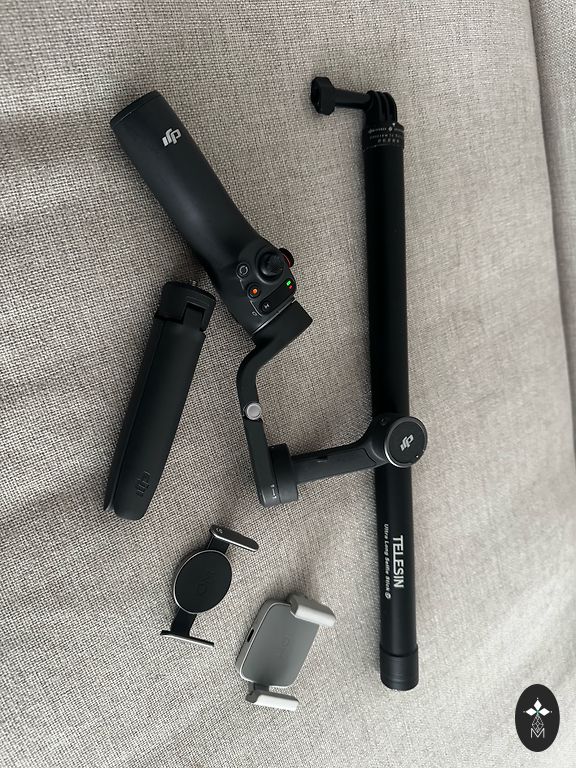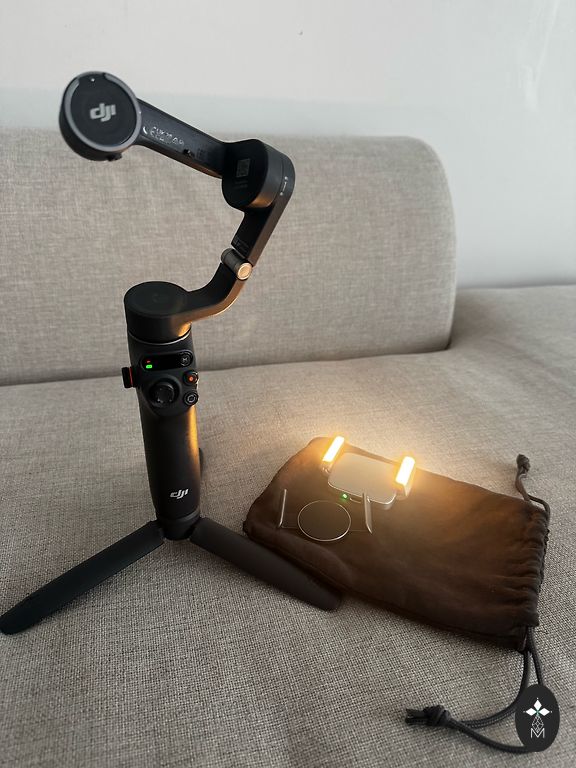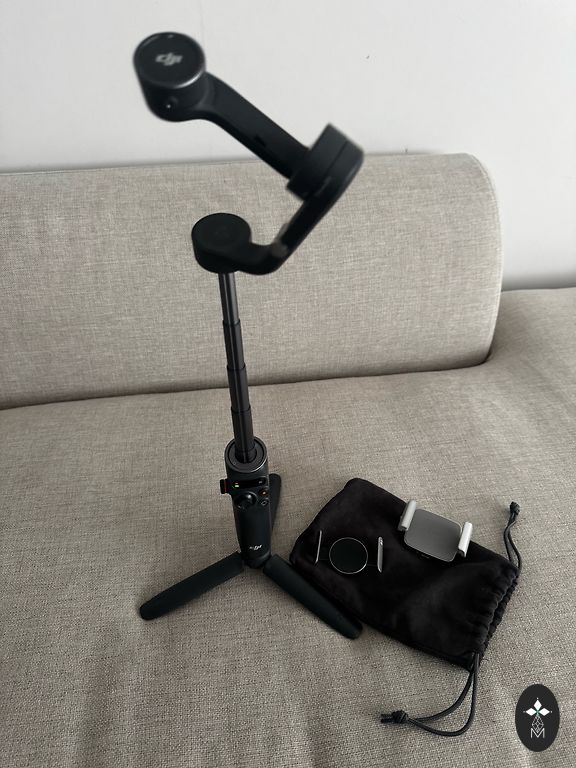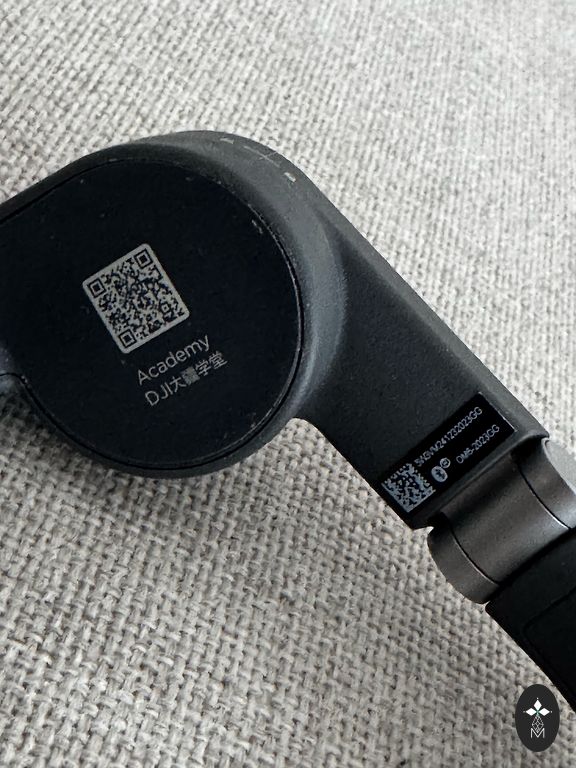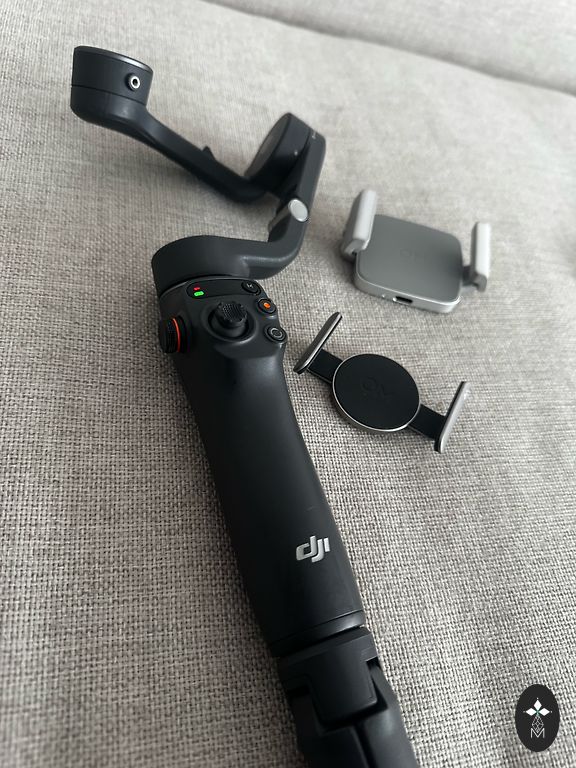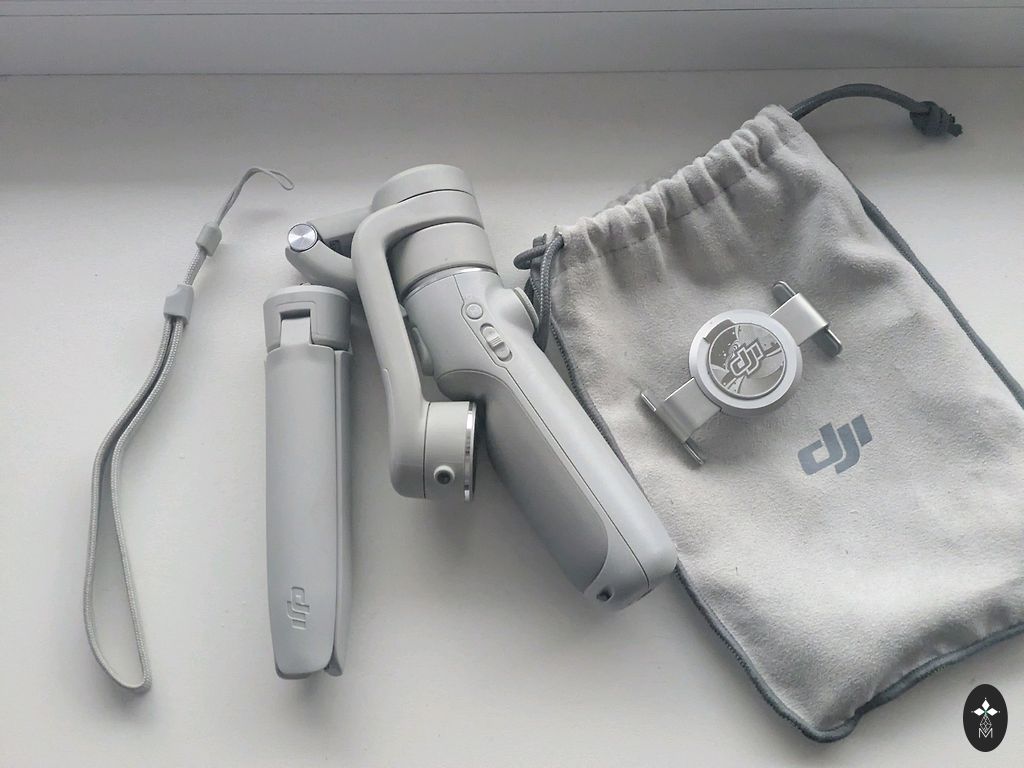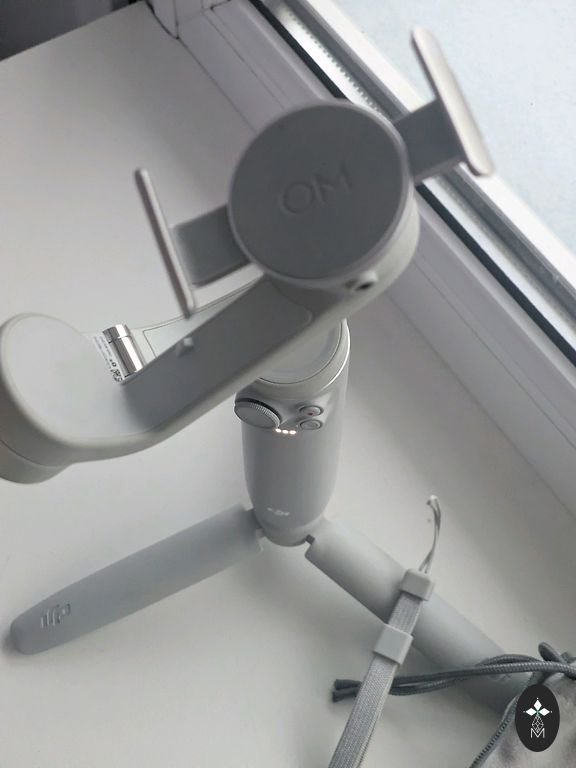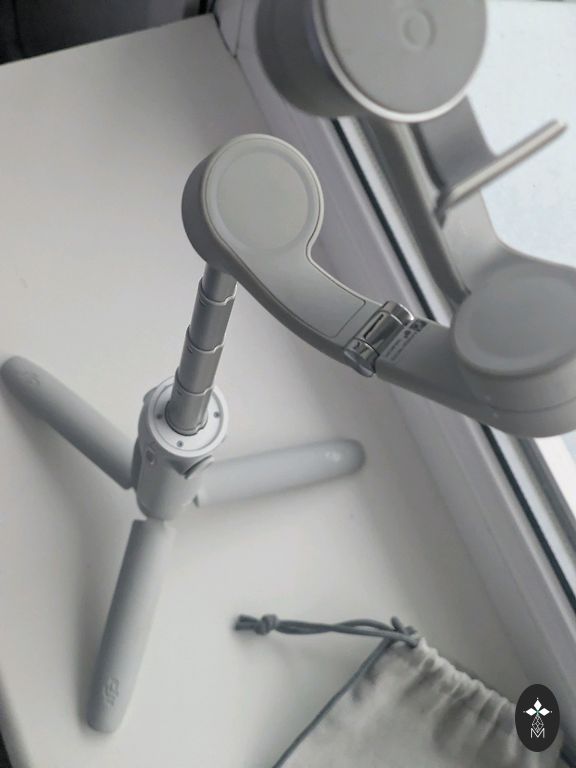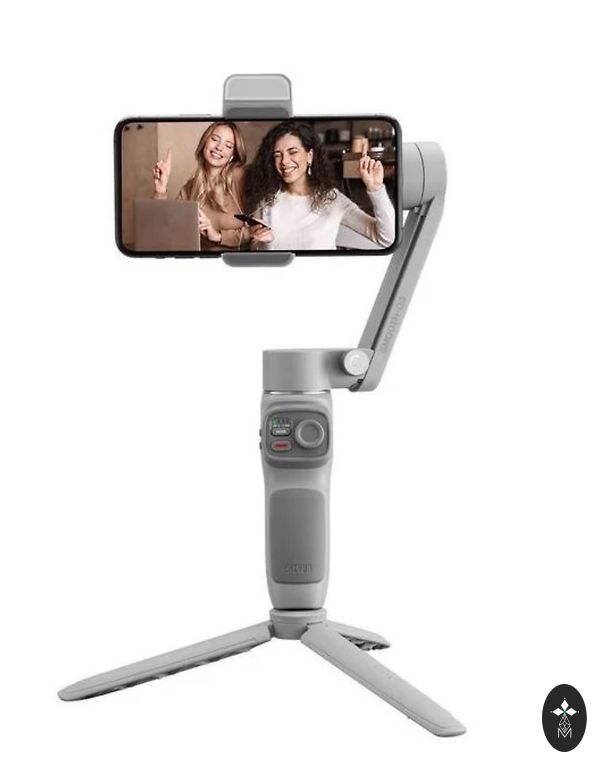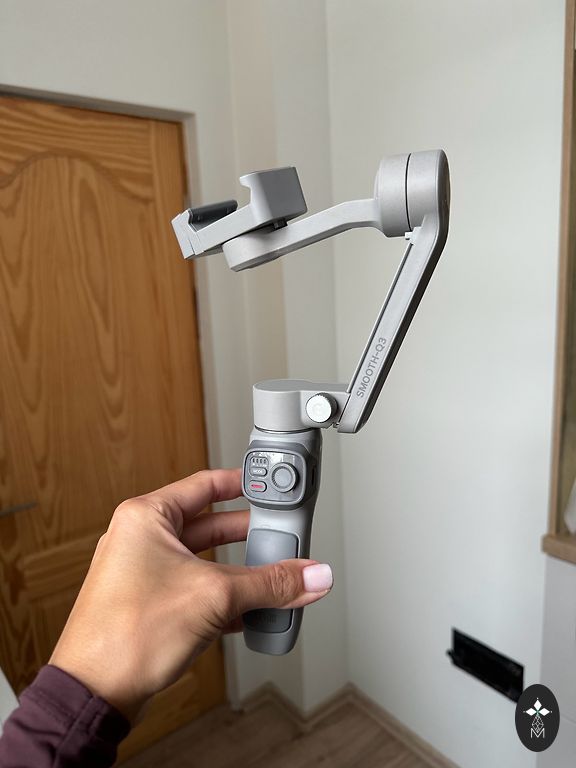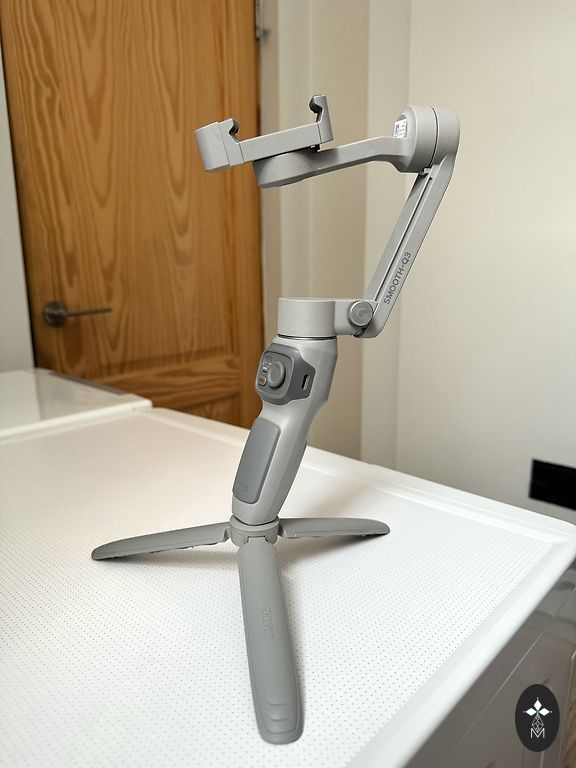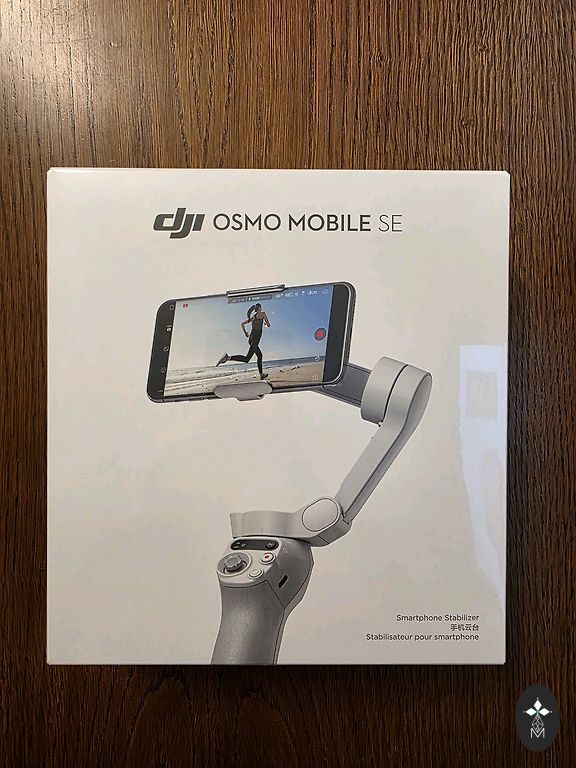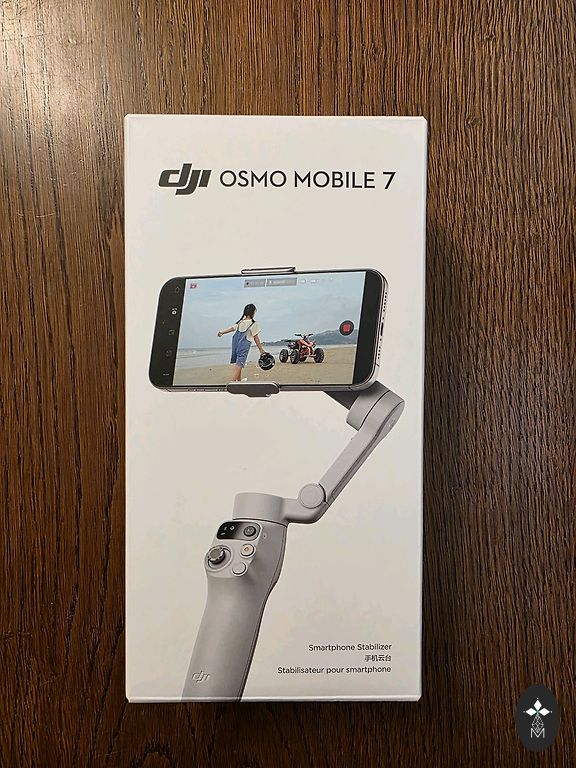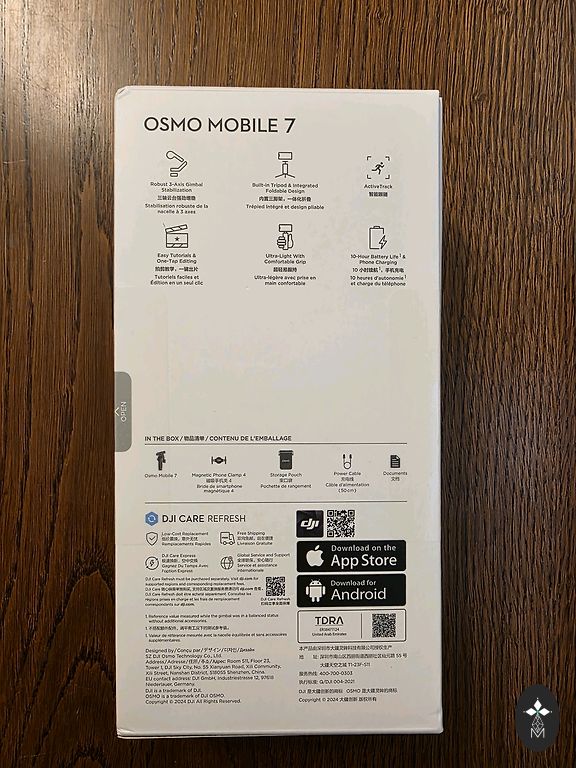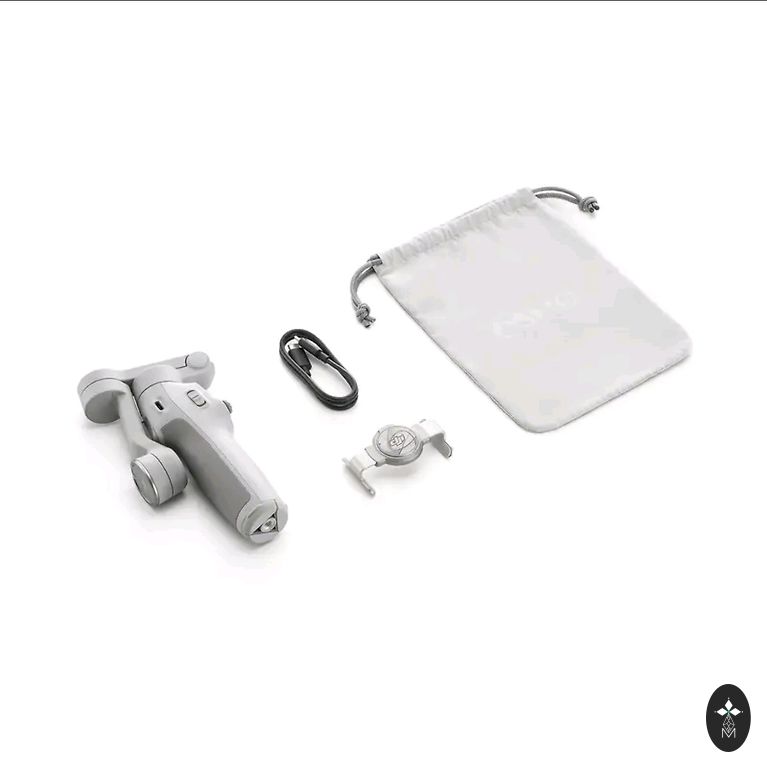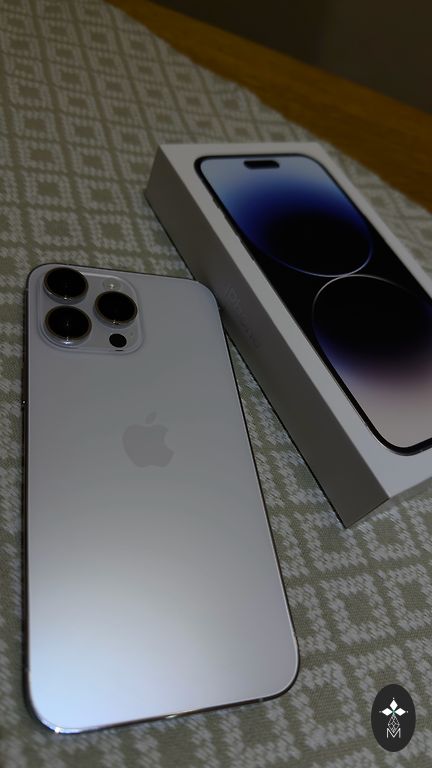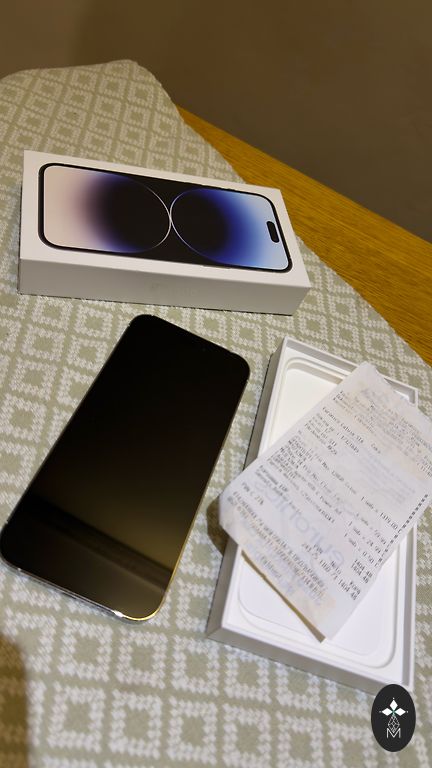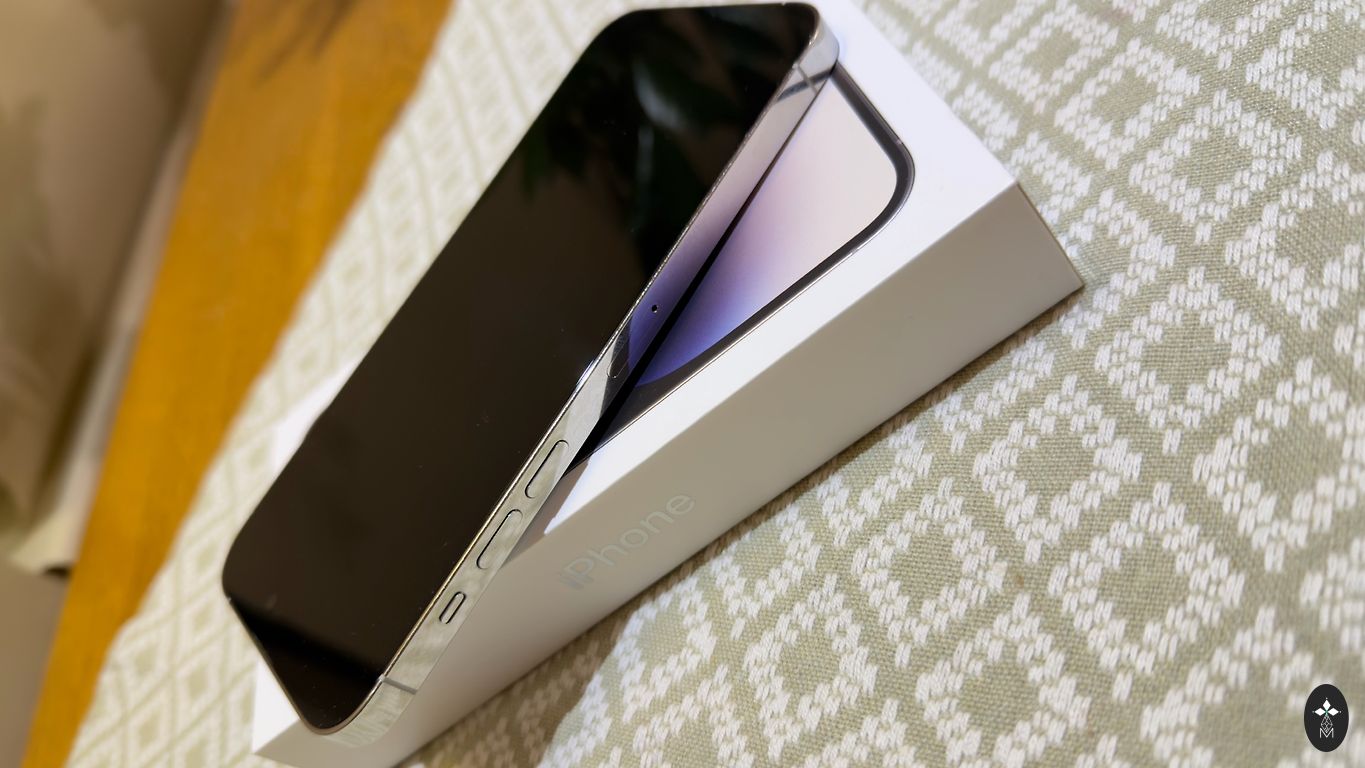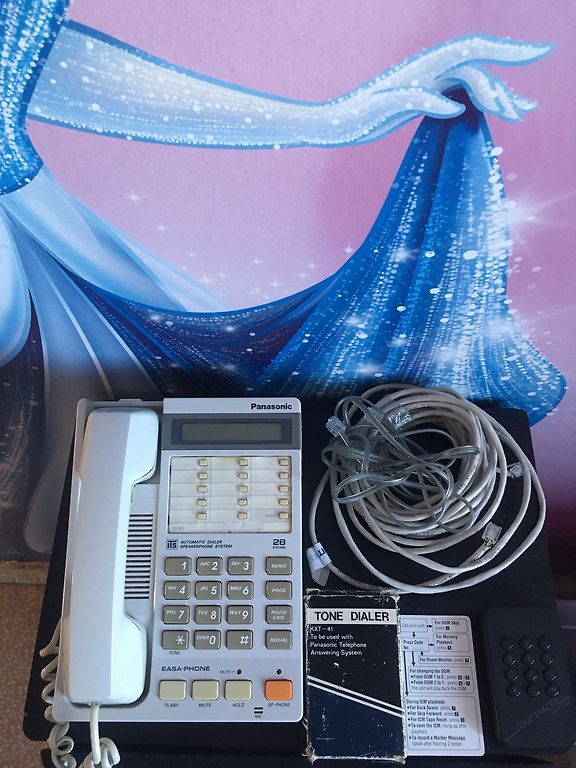





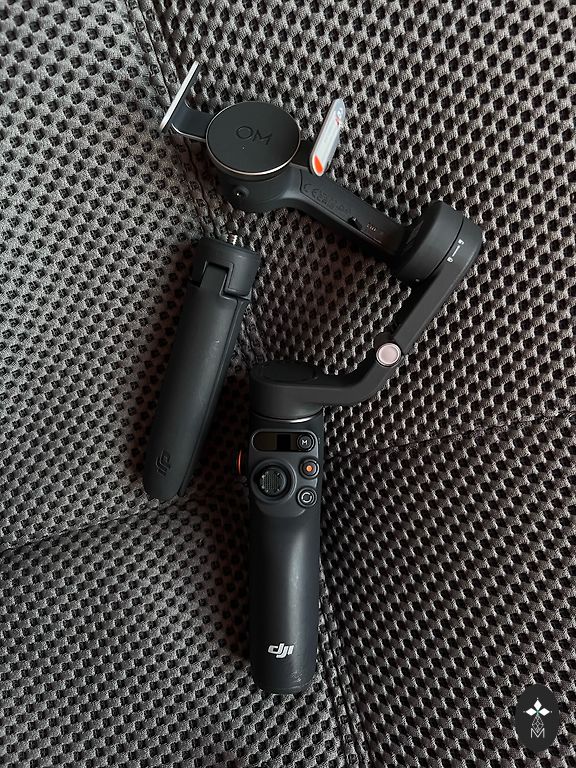
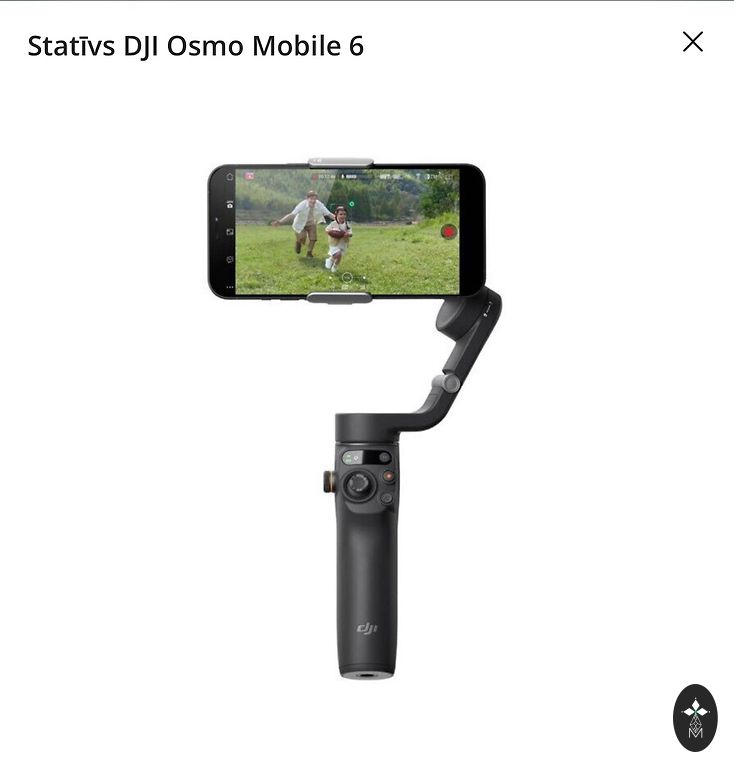
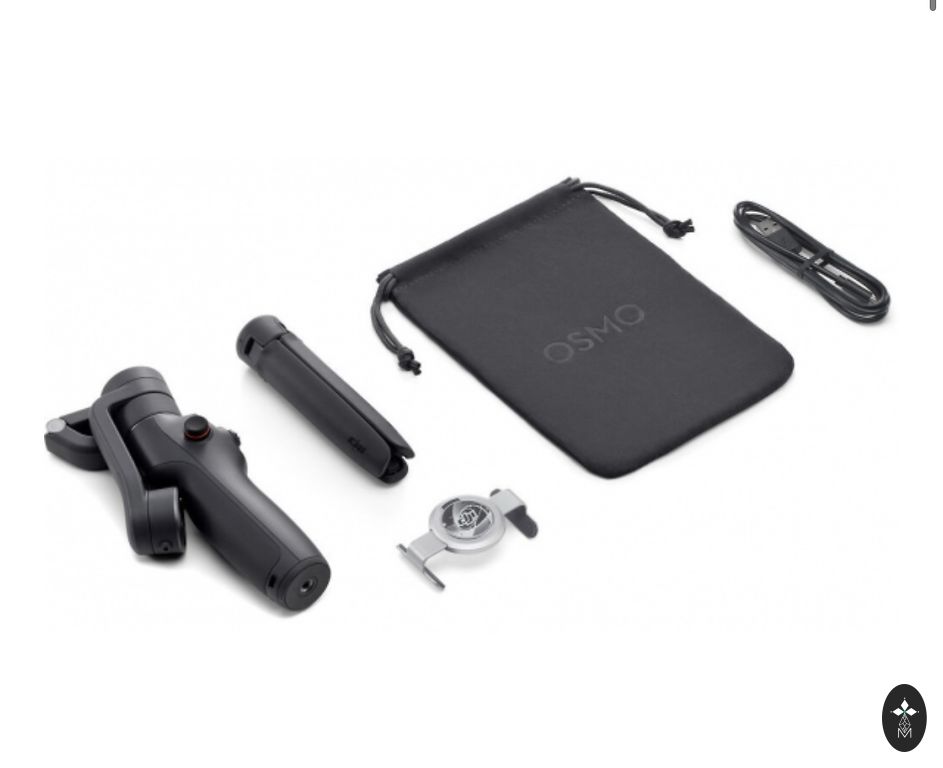
DJI Osmo Mobile 6 stabilizer
| Brand | DJI |
| Colour | White |
| Condition | Used, in perfect condition |
| Equipment Type | Other |
| Added | January 27, 16:0723 |
3 asu stabilizācija Pārnēsājams un salokāms Iebūvēts pagarinājuma stienis Ātrā palaišana ActiveTrack 5.0 Vienkāršas apmācības un rediģēšana ar vienu pieskārienu Magnētisks ātrās atbrīvošanas dizains
Kompakts un pārnēsājams
Nēsājiet savu Osmo Mobile 6 aizraujošos piedzīvojumos. Kompaktais un salokāmais dizains ir viegli iesaiņojams, un ar ātri atvienojamo magnētisko tālruņa skavu varat sākt darbu, nenoņemot tālruņa maciņu. Snap-in vai out — esat gatavs uzņemt vai pieņemt zvanu vienā mirklī.
Ātrā palaišana
Osmo Mobile 6 ieslēdzas, tiklīdz to atlocīsit. Ieslēdzot pārī savienotu iPhone, lietotne DJI Mimo tiek parādīta automātiski, ļaujot sākt fotografēt, tiklīdz rodas iedvesma.
3 asu stabilizācija
Izmantojot 3 asu stabilizāciju, tveriet vienmērīgus, bezzaudējumus kustībā esošus darbus, kas atstāj iespaidu un patīkami. Osmo Mobile 6 ir integrēta DJI uzlabotā stabilizācijas tehnoloģija, lai nodrošinātu spēcīgus, stabilus rezultātus bez kratīšanas.
Gluds operators
Ērti pārbaudiet akumulatora uzlādes līmeni, sistēmas statusa indikatoru un pārslēdzieties starp kardāna režīmiem, izmantojot jauno iebūvēto statusa paneli. Nospiediet pogu M, lai pārslēgtos starp četriem režīmiem un atbilstu savām filmēšanas vajadzībām vai pievienotu radošu elpu.
Sekojiet : Sekošanas režīmā kameras skats seko kardāna virziena un slīpuma kustībām un paliek stabils ripošanas laikā. Šis režīms ir lieliski piemērots fotografēšanai uz augšu, uz leju un pa diagonāli. Bloķēts slīpums : Kameras skats seko tikai kardāna kustībām un paliek stabils sasvēršanās un apgāšanās laikā — ideāli piemērots fotografēšanai horizontāli vai pārvietošanai ap objektu. FPV : FPV režīmā visas trīs kardāna asis seko galvenā korpusa kustībai. Tas ir lieliski piemērots nekustīgu objektu dinamiskai filmēšanai, piemēram, orientieriem, ēkām vai statujām. SpinShot : Spiediet kursorsviru pa kreisi vai pa labi, lai kontrolētu kameras skata rotāciju un izveidotu dinamiskus kadrus. Lieliski piemērots stumšanas, vilkšanas un kustību ar augstu leņķi fotografēšanai.
Vienkārši ritiniet, lai kontrolētu
Ērti un vienmērīgi kontrolējiet tālummaiņu un fokusu, izmantojot Osmo Mobile 6 jauno sānu riteni. Ritiniet riteni, lai pielāgotu fokusa attālumu elastīgai kompozīcijai un tuvinātu un tālinātu ar sviesta gludumu. Lai iegūtu vēl kinematogrāfiskāku vadību, vienreiz nospiediet sānu riteni, lai pārslēgtos uz manuālo fokusu.
Gimbal ar Street Smarts
Timelapse : deformējiet laiku un telpu, izmantojot Timelapse, Motionlapse un Hyperlapse. Izmantojot vienkāršas Motionlapse veidnes, varat sapludināt skaistus mirkļus iespaidīgos klipos. DynamicZoom : izmantojiet Move In un Move Out režīmus, lai iegūtu izstieptus un saspiežamus vizuālos efektus, lai ar tālruni izveidotu dinamiskus grāvēju kadrus. Vadība ar žestu : žestu vadība atvieglo pašbildes vai grupas fotoattēla uzņemšanu. Uzņemt attēlu vai sākt video nekad nav bijis tik ērti. Panorāma : Izmēģiniet trīs panorāmas režīmus: jūsu radošajam redzējumam ir pieejami 3x3, 240° vai CloneMe. Izmēģiniet, un jūs redzēsiet.
Iebūvēts pagarinājuma stienis
Ikviens redzams attēlā. Iebūvētais paplašinājums nozīmē, ka neviens nepaliek malā. Jebkurā kadrā iekļaujiet vairāk draugu, mājdzīvnieku vai krāšņas ainavas. Uzņemiet dinamiskus pašbildes no augstāka vai zemāka leņķa. Izstiepiet stieni, lai paplašinātu radošās iespējas.
Ātra pārslēgšanās uz portretu
Vienmērīgi pārslēdzieties starp ainavas un portreta režīmu, vienkārši divreiz nospiežot pārslēgšanas pogu.
Turi līdzi
ActiveTrack 5.0 ir pilnībā atjaunināts, lai nodrošinātu stabilāku izsekošanu garākos attālumos. Uzlabotā versija ļauj priekšējai kamerai izsekot objektiem, kas pagriežas uz sāniem vai griežas.
Neatkarīgi no tā, vai ceļojat kempingā, ceļojat vai fotografējat uz ielas, kardānvienība automātiski notur fotografējamo objektu, lai padarītu jūsu uzņemto materiālu līdzīgāku stāstam.
Vlogi, kas ir pop
Neuztraucieties par sliktu apgaismojumu vai traucējošu troksni. Izmantojot DJI OM Fill Light tālruņa skavu un DJI mikrofonu, jūs esat gatavs jebkurai situācijai un aprīkots, lai paceltu savu saturu jaunā līmenī. Saderīgā tālruņa svars: 170–290 g Saderīgā tālruņa biezums: 6,9–10 mm Saderīgā tālruņa platums: 67–84 mm ">
Will use twice!!!!!
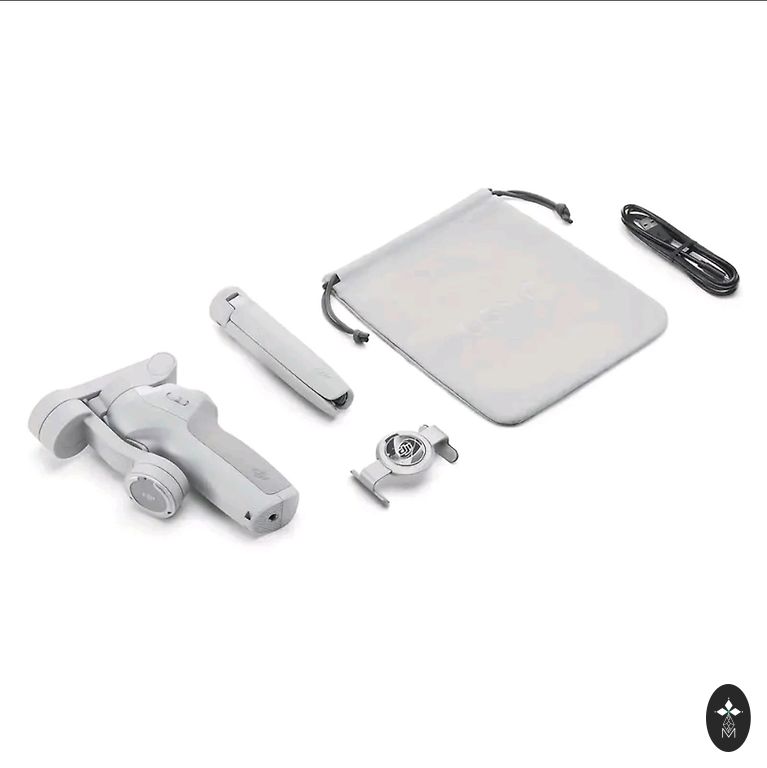
Everything in full set with the original box. However, it's not mine, I thought I would use it a lot, but no.
This model follows the object. 👇
https://youtu.be/cEG6Ysh3rUY?si=lQjgBjfvd8jmdj-A
Osmo Mobile 6 is an intelligent smartphone stabilizer with creative features. It is not only compact and easily foldable to fit in the palm, but also automatically starts after unfolding to capture shots in an instant. Get dynamic angles and perfect selfies using the built-in extender. You have a whole
range of intelligent features and guides at your disposal. The DJI Mimo app makes efficient shooting, editing, and sharing easy, allowing you to capture every unforgettable moment.
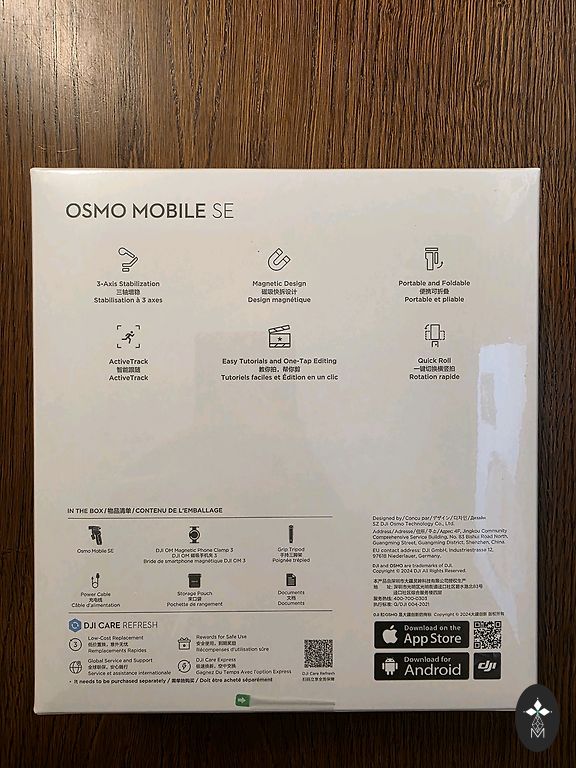
3-axis stabilization Portable and foldable Built-in extension rod Quick launch ActiveTrack 5.0 Simple tutorials and one-touch editing Magnetic quick-release design
Compact and portable
Take your Osmo Mobile 6 on exciting adventures. The compact and foldable design is easy to pack, and with the quick-detach magnetic phone clamp, you can start working without removing the phone case. Snap-in or out — you're ready to shoot or take a call in an instant.
Quick launch
Osmo Mobile 6 turns on as soon as you unfold it. When turning on a paired iPhone, the DJI Mimo app automatically appears, allowing you to start shooting as soon as inspiration strikes.
3-axis stabilization
Capture smooth, lossless motion shots that impress and please with 3-axis stabilization. Osmo Mobile 6 integrates DJI's advanced stabilization technology to provide strong, stable results without shaking.
Smooth operator
Conveniently check the battery level, system status indicator, and switch between gimbal modes using the new built-in status panel. Press the M button to switch between four modes to suit your filming needs or add a creative touch.
Follow: In Follow mode, the camera view follows the gimbal direction and tilt movements and remains stable during roll. This mode is perfect for shooting up, down, and diagonally. Tilt Locked: The camera view follows only gimbal movements and remains stable during tilt and roll — ideal for shooting horizontally or moving around the subject. FPV: In FPV mode, all three gimbal axes follow the main body's movement. It's great for dynamically filming stationary objects like landmarks, buildings, or statues. SpinShot: Push the joystick left or right to control the camera view rotation and create dynamic shots. Perfect for push, pull, and high-angle motion shooting.
Simply scroll to control
Effortlessly and smoothly control zoom and focus with Osmo Mobile 6's new side wheel. Scroll the wheel to adjust the focus distance for flexible composition and zoom in and out with buttery smoothness. For even more cinematic control, press the side wheel once to switch to manual focus.
Gimbal with Street Smarts
Timelapse: Warp time and space using Timelapse, Motionlapse, and Hyperlapse. With simple Motionlapse templates, you can blend beautiful moments into impressive clips. DynamicZoom: Use Move In and Move Out modes for stretched and compressed visual effects to create dynamic blockbuster shots with your phone. Gesture Control: Gesture control makes capturing selfies or group photos easy. Capturing an image or starting a video has never been so convenient. Panorama: Try three panorama modes: 3x3, 240°, or CloneMe are available for your creative vision. Try it, and you'll see.
Built-in extension rod
Everyone is visible in the picture. The built-in extension means no one is left out. Include more friends, pets, or stunning landscapes in any shot. Capture dynamic selfies from higher or lower angles. Extend the rod to expand creative possibilities.
Quick switch to portrait
Smoothly switch between landscape and portrait mode by simply double-pressing the switch button.
Keep up
ActiveTrack 5.0 is fully updated to provide more stable tracking over longer distances. The improved version allows the front camera to track objects that turn sideways or rotate.
Whether camping, traveling, or shooting on the street, the gimbal automatically keeps the subject in focus, making your captured material more story-like.
Vlogs that pop
Don't worry about bad lighting or distracting noise. With the DJI OM Fill Light phone clamp and DJI microphone, you're ready for any situation and equipped to elevate your content to a new level. Compatible phone weight: 170–290 g Compatible phone thickness: 6.9–10 mm Compatible phone width: 67–84 mm